Case Study - A menu scanner that picks what to order, entirely on device
An iOS app that reads a restaurant menu from one photo, checks it against what you logged in Apple Health today and ranks the dishes. The on-device model reads; Swift does the math.
- Client
- Prandial
- Year
- Service
- iOS Development, On-device AI
Overview
What to order, from one photo
Prandial is an iOS app that tells you what to order at a restaurant. It reads what you've already logged in Apple Health today, reads the menu from a single photo, and ranks the dishes against what's left of your day.
All of it runs on the iPhone. There's no account and no networking code, and Health access is read-only. The on-device model does no arithmetic: it structures the menu, sorts each dish into a coarse band and writes a short reason for each pick. Swift computes every number and the ranking.
- 100% on device
- Health, read-only
- Calorie bands, never exact numbers
- The model reads, Swift ranks
- Allergens set aside
How it works
The model reads. Swift decides.
Read the photo
Vision's document recognition reads the menu, preferring tables and lists, and falls back to plain text recognition. The text is split into chunks small enough for the model's context window.
Structure the dishes
The model turns each chunk into dishes with a name, description, section and price, plus a calorie band and a macro lean. Its answers map straight into strict enums. If the model is unavailable or refuses, a price-line parser takes over.
Set allergens aside
The model's conflict tags are combined with a word-boundary keyword match, so “ham” never matches “champagne”. Flagged dishes go to a “check with the restaurant” group and are never recommended. Detection is advisory, and the app says to confirm ingredients.
Rank in Swift
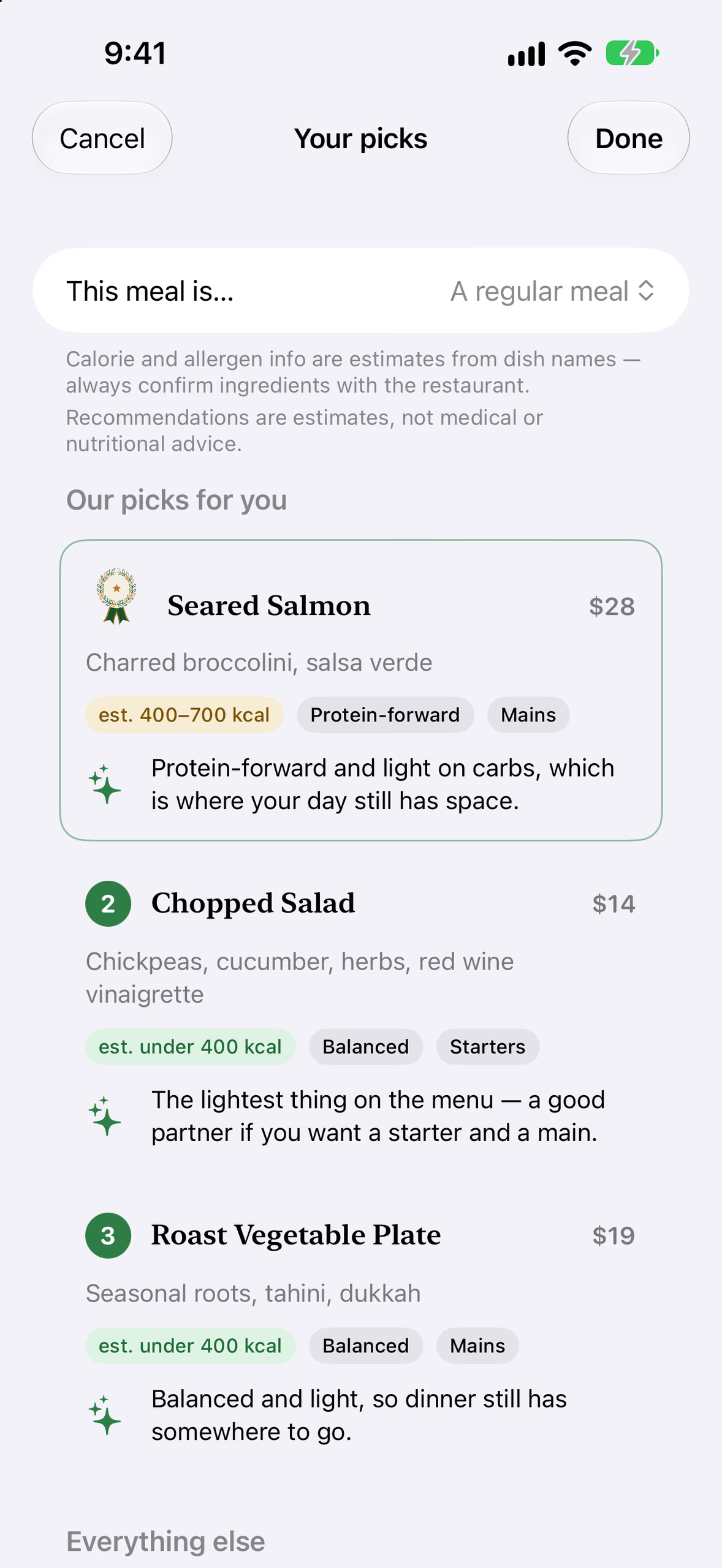
Swift subtracts what Health says you've eaten from your targets and splits the rest across the meals left today. Every remaining dish gets a score, and the top three come back. Changing the meal context re-runs only this step.
Explain the pick
A second pass streams a sentence or two on why each pick fits. The prompt already holds the numbers Swift computed and tells the model not to invent any. If the pass fails, Swift's own fit summary stays on screen.
The app
From a menu photo to three picks
The recording is a live scan on the iOS 27 simulator: a menu photo from the library, read, analyzed by the on-device model and ranked. The waits for the photo picker and the model are cut short; the rest plays as it ran.
The still screens come from the app's debug screenshot mode, which runs a fixed bistro menu through the real ranking engine with the explanations written in advance.
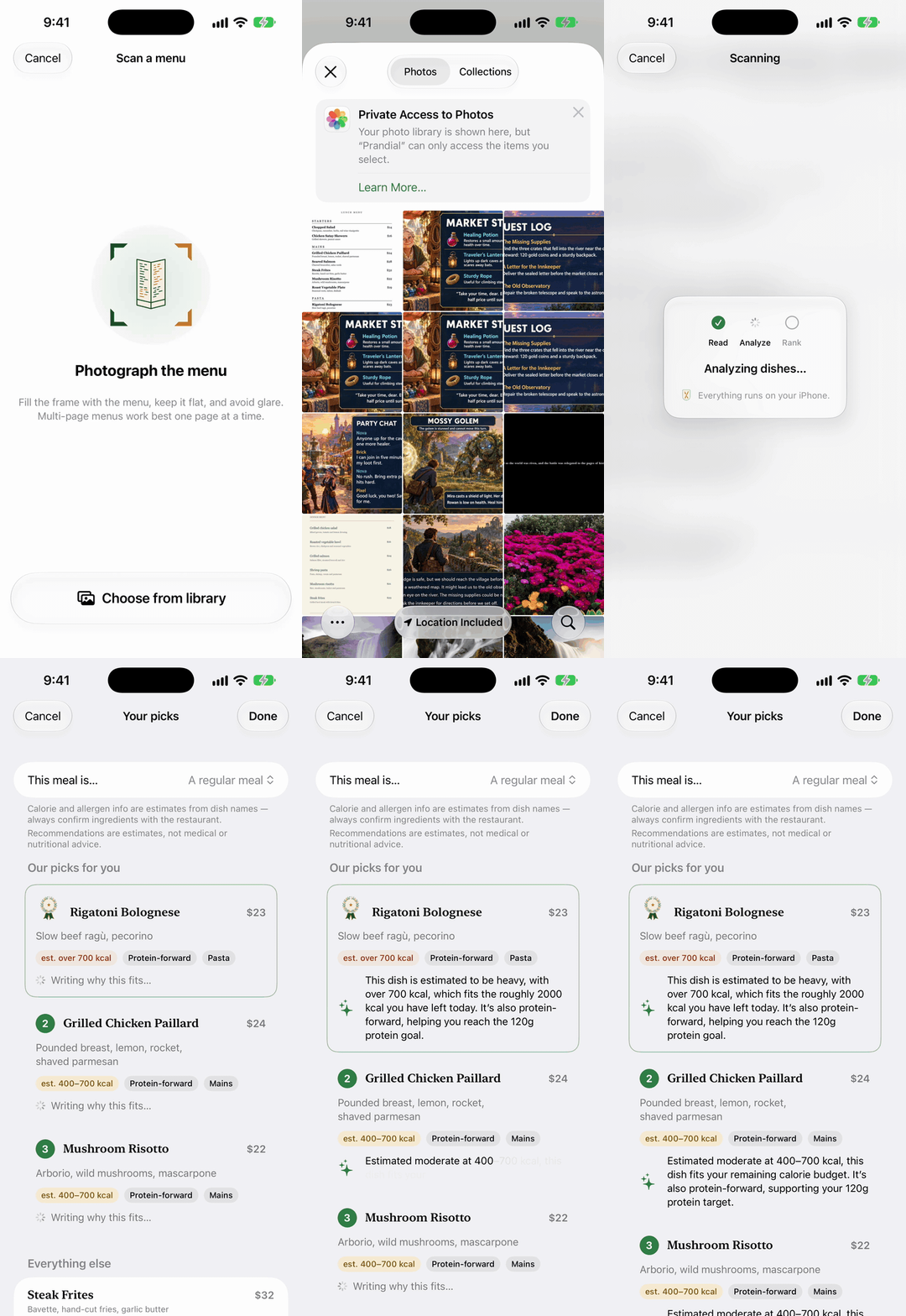
Live scan · photo to picks
Results · three picks
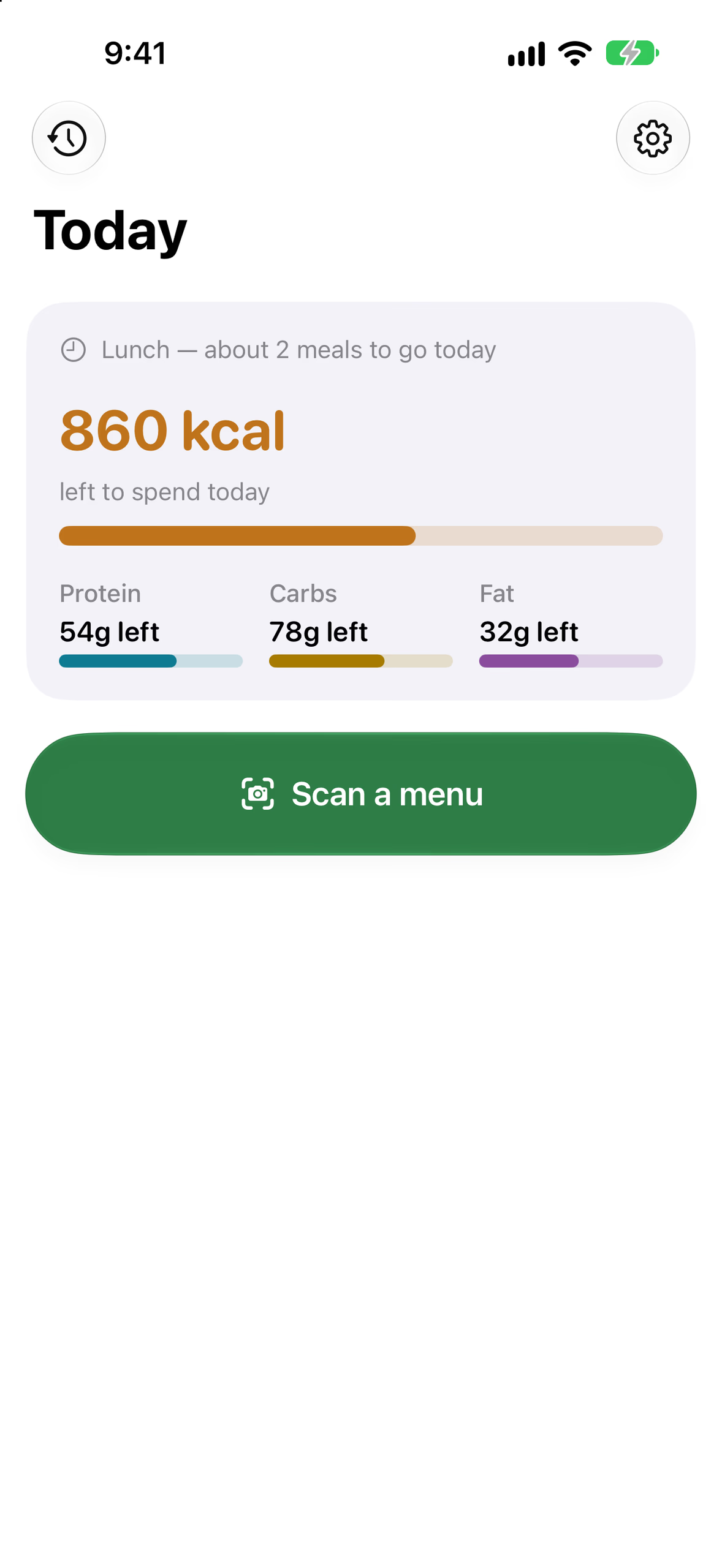
Today · what's left
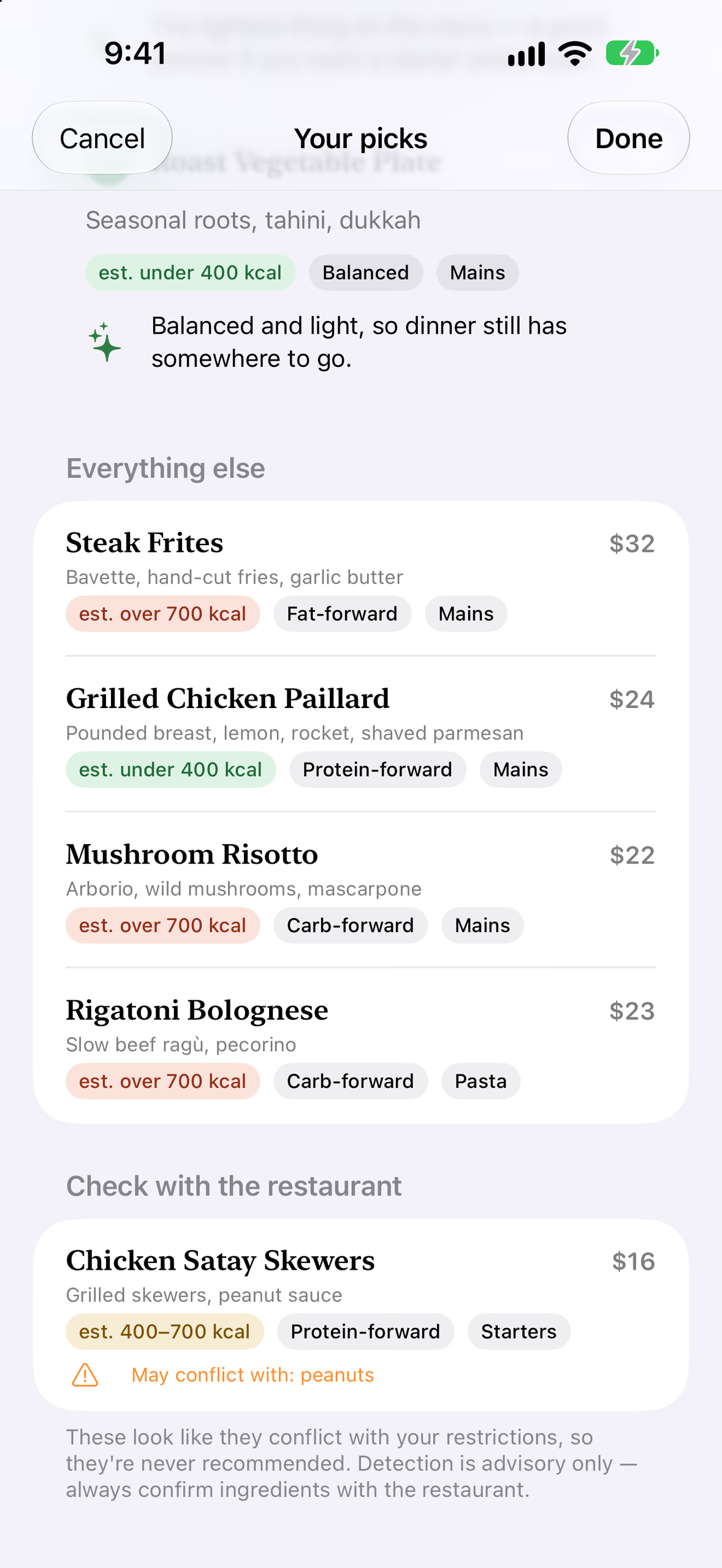
Check with the restaurant
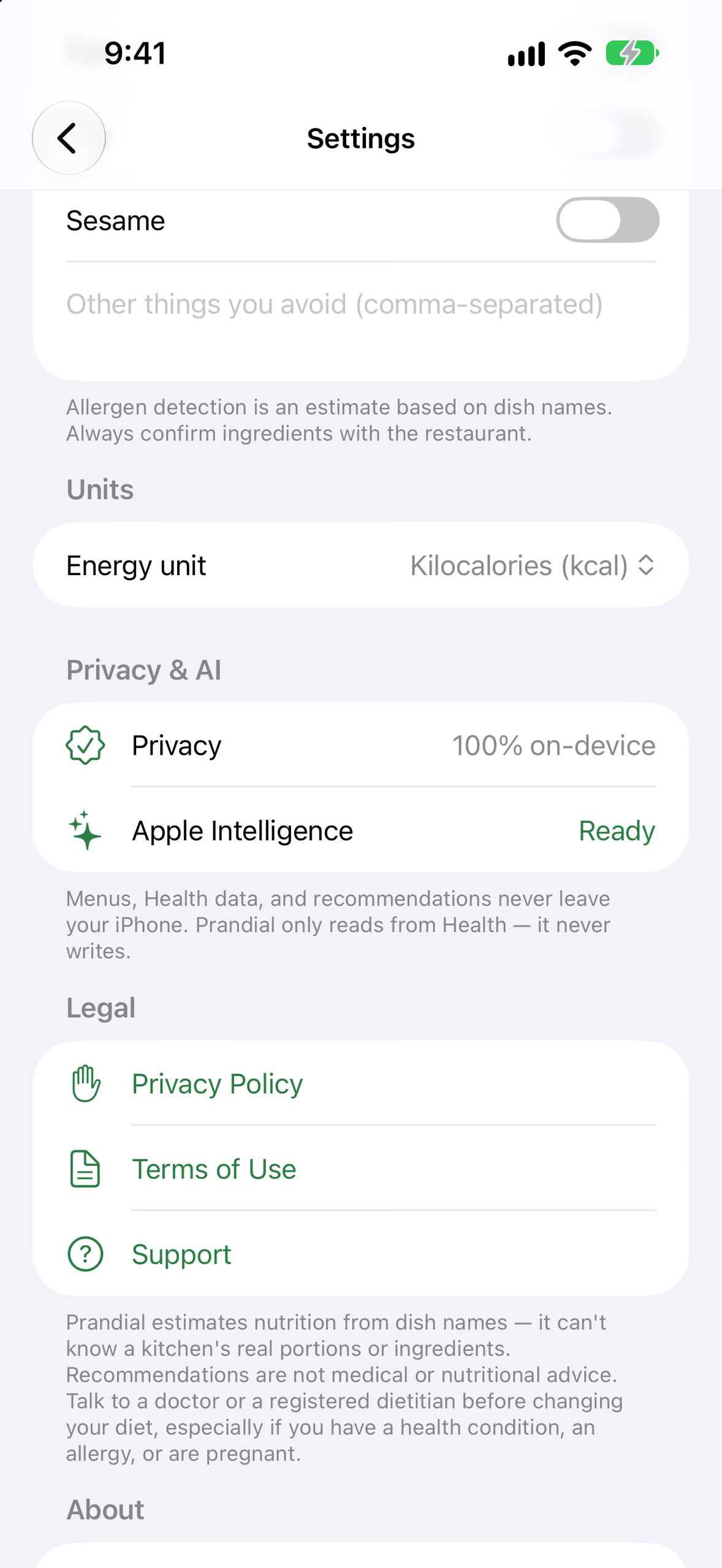
Settings · on device
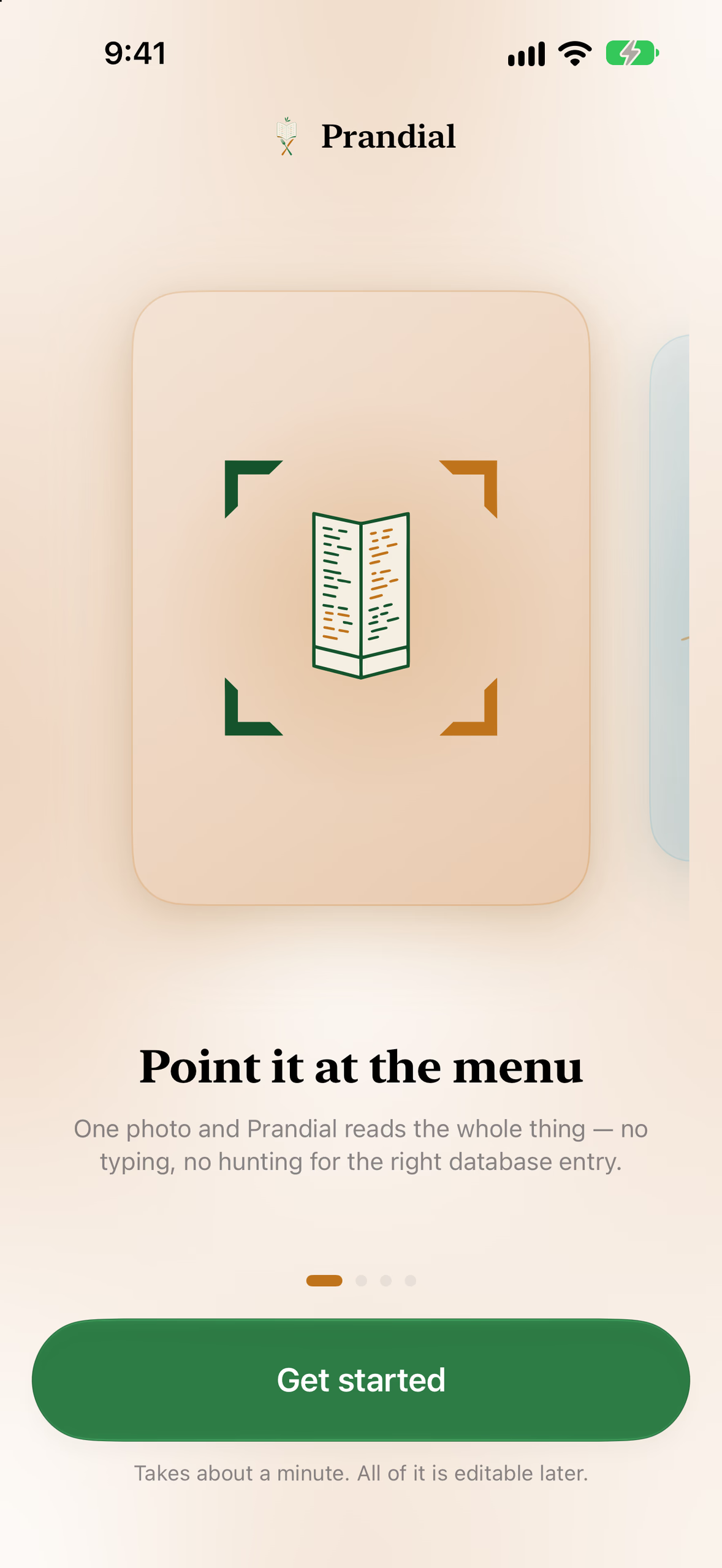
Intro
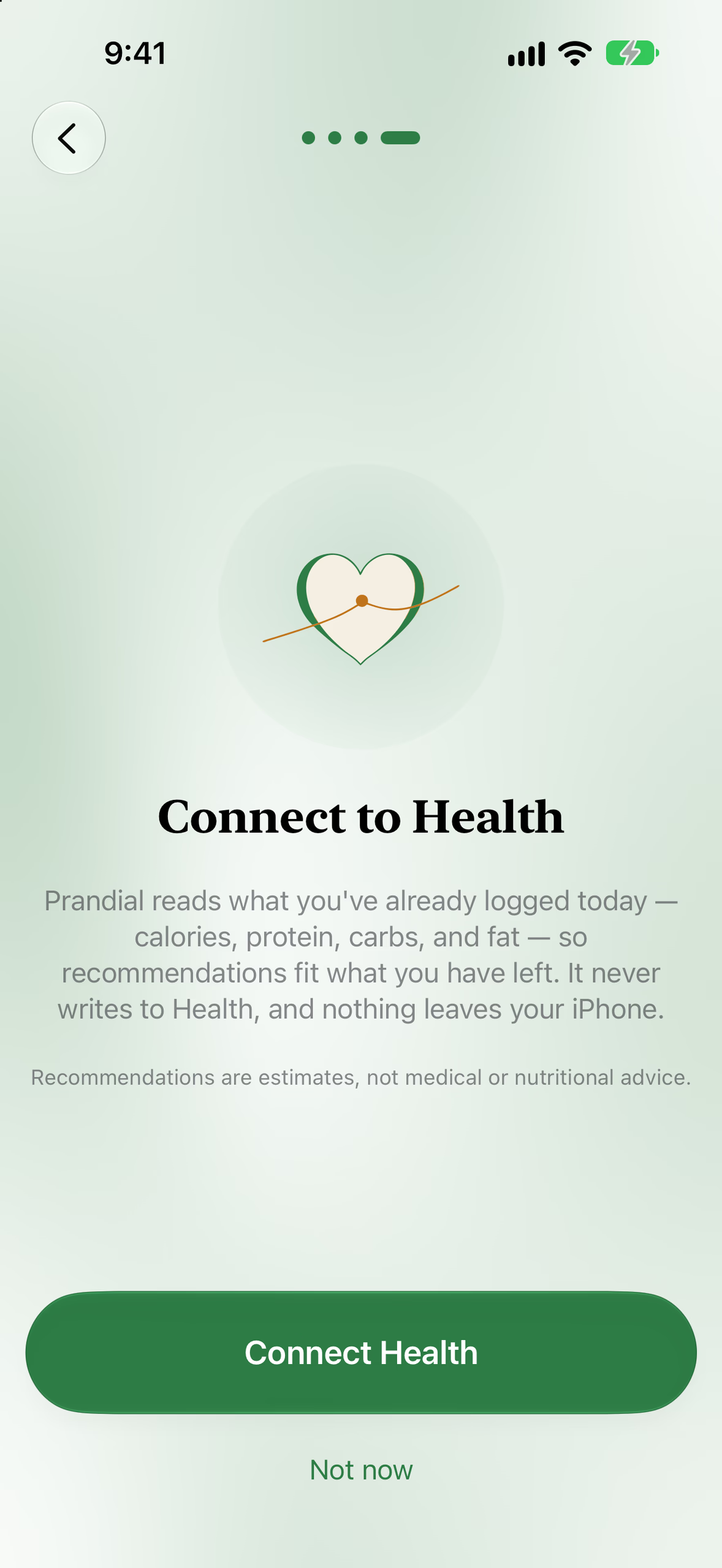
Setup · Health, read-only
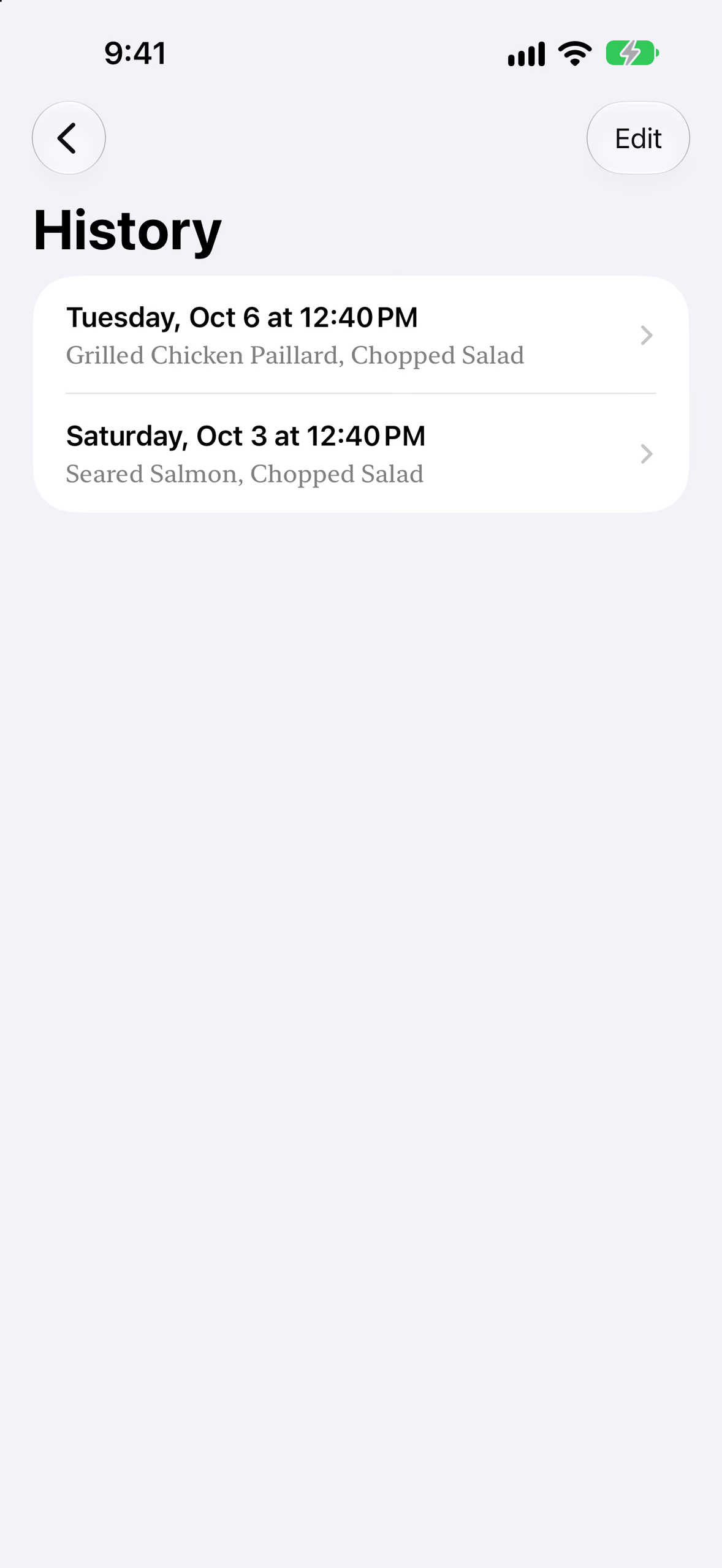
History
Stack & proof
Nothing leaves the phone
Under 400, 400 to 700, or over 700 kcal. A dish never gets an exact figure.
On the avoid list, plus free text. Detection is advisory: confirm with the restaurant.
Swift Testing functions, including guards that keep exact dish calories out of the UI
The app has no networking code at all
Technologies
- Swift
- SwiftUI
- SwiftData
- HealthKit
- Vision
- Foundation Models
- Swift Testing
SwiftUI and SwiftData for the app and its scan history; HealthKit with read-only access to calories, protein, carbs and fat; Vision for the menu text; Apple's Foundation Models framework for structuring dishes and writing the explanations. Without Apple Intelligence the app still works, with the dish list, keyword filters and a note on why AI picks are off.